Beta Program
Thank you for joining.
You're one of a small group helping us build Kapshul. Your feedback will directly shape the app before it launches. Here's everything you need to get started.
Sign up for the beta
iPhone only. Not available for Android users.
Getting started
Follow these steps to install the beta and start using Kapshul.
Install TestFlight
TestFlight is Apple’s official app for testing pre-release software. Download it free from the App Store if you don’t already have it.
Accept the invite
Check your email for a TestFlight invitation from Apple. It’ll have “Kapshul” in the subject line. Tap the link to open the app in TestFlight and install it.
Onboard in the app
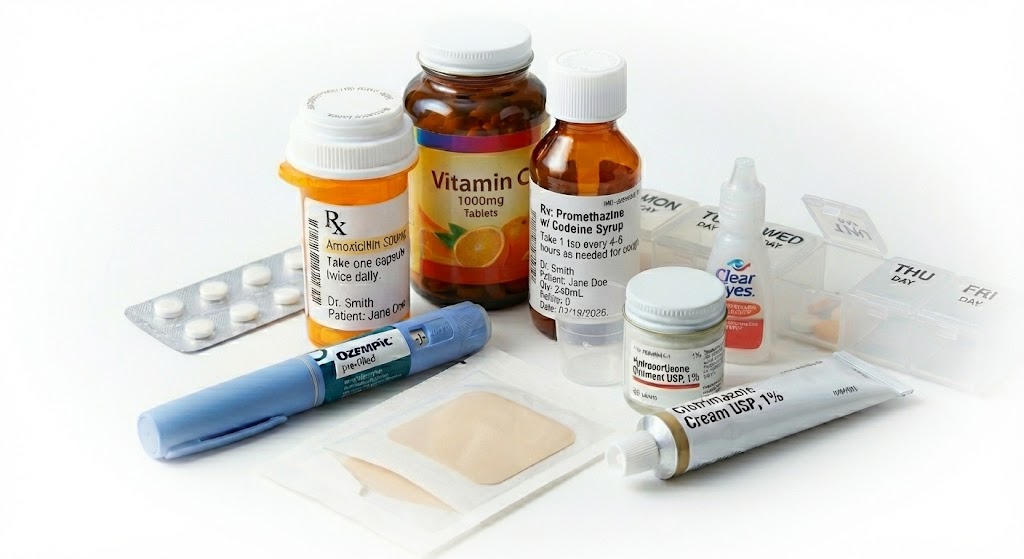
Sign in with your Apple ID and add a medication or two. Search the database for what you take, set the dose, and add it to your schedule.
Set up notifications
Configure reminders for each medication — on-time alerts, late reminders, and the “keep pestering” option if you need it.
Use it daily
Start using Kapshul as part of your routine. Mark doses as taken, check your trends, and let us know how it feels, if you can’t do what you expect, or something feels broken.
Sharing feedback
Your feedback is the most valuable part of this program. There are two ways to share it:
In-app feedback
Every screen in the beta has a feedback button. Use it whenever something isn't working, isn't clear, or could be better. No detail is too small.
Email us
For longer thoughts, questions, or anything that doesn't fit the feedback button, email us at feedback@kapshul.com
Your free Personal licence
As a thank you for helping us test, you'll receive a free annual Personal licence (worth $29.99/yr) when Kapshul launches on the App Store. This happens once the app has been tested for a suitable period and passes Apple's App Review process. We'll email you with your licence as soon as it's live.